Windows 10
In this category you will find lessons about Windows 10
-
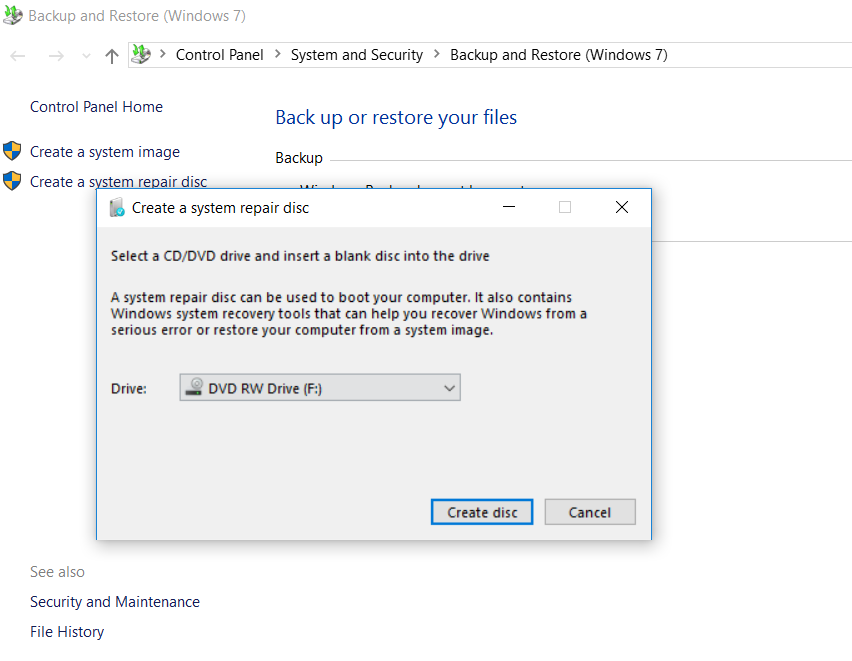
How to create a system recovery disc in Windows
It may happen that you lost your Windows 7 installation disc or your vendor forgot to give it to you…
Read More » -
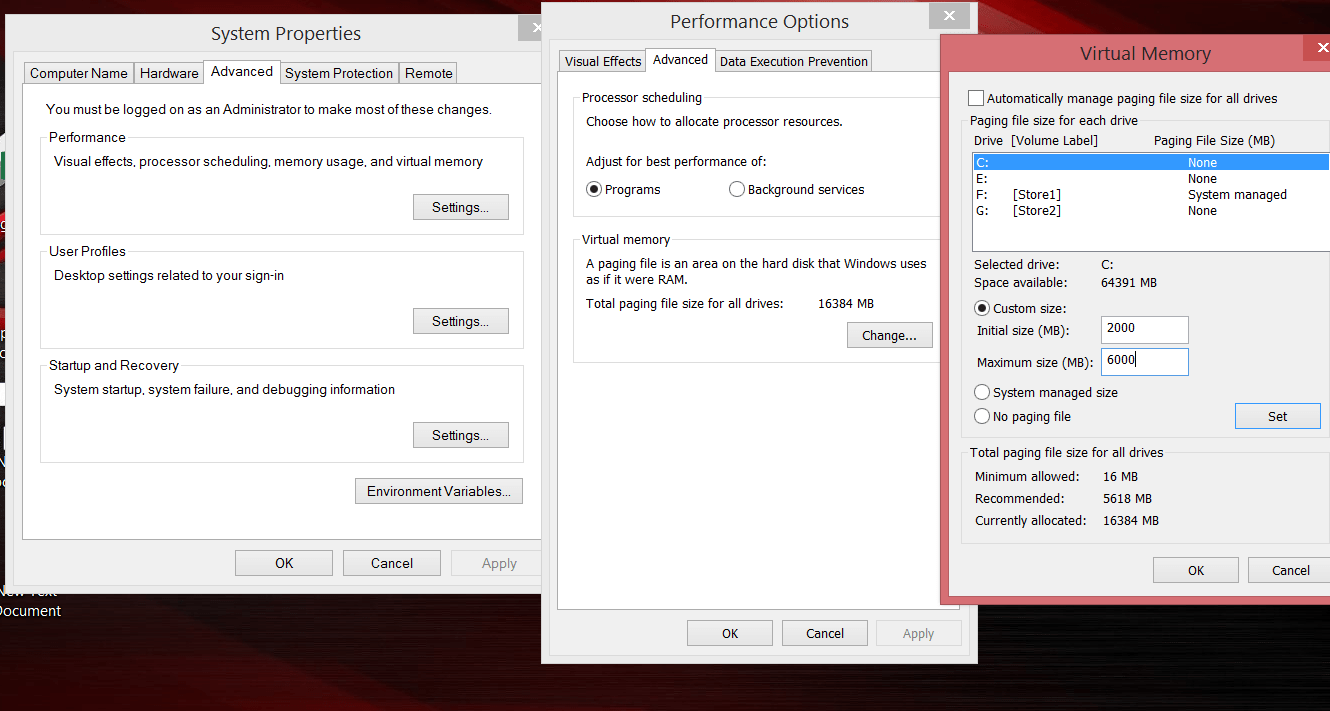
How to fix there is not enough memory on a computer with Windows 10
When working with heavy programs, many users of Windows 10, periodically encounter an emerging system message about the lack of…
Read More » -
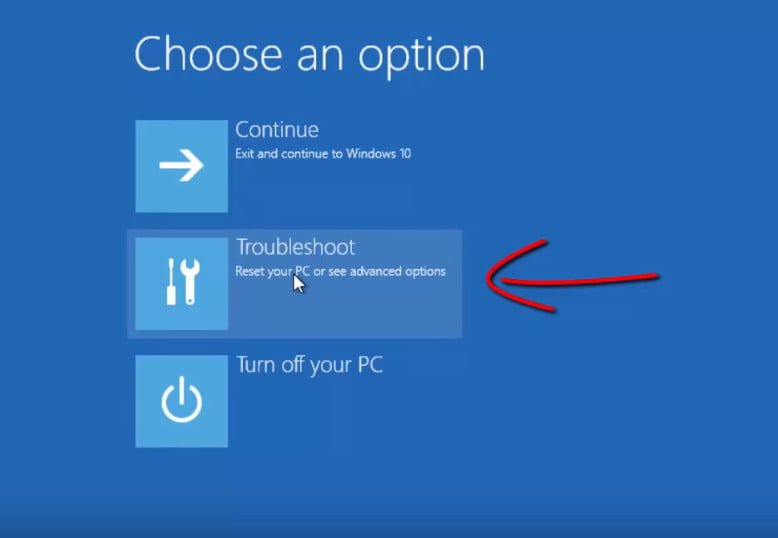
How to enter the safe mode Windows 10
Guide to enter safe made in Windows 10 Step 1. Hold down the windows + X buttons, select Restart and…
Read More » -
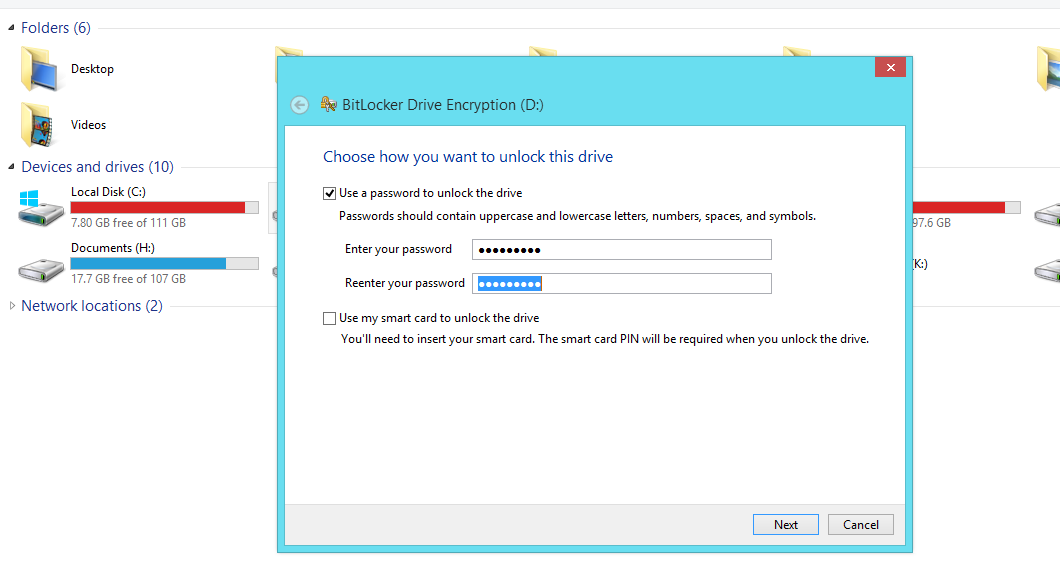
Turn on BitLocker in Windows
To store ISO copies of distributions of various software products, we use external disks. With the advent of BitLocker technology,…
Read More » -
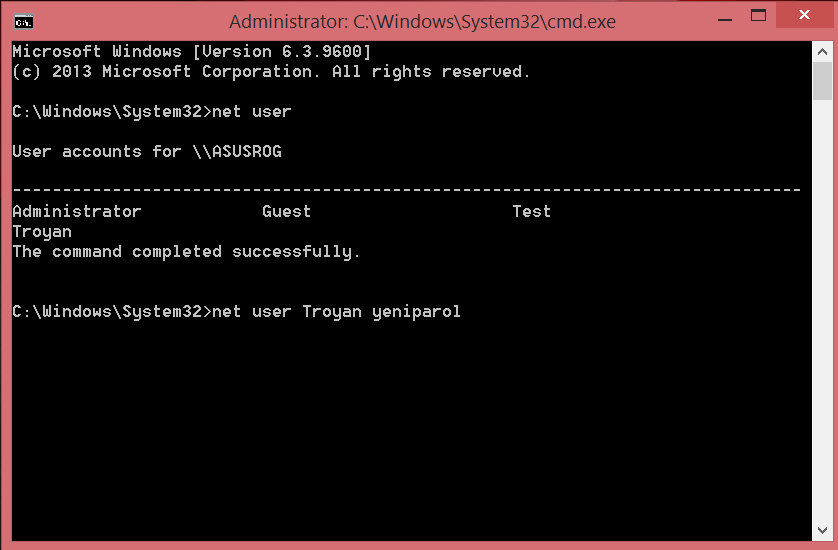
Change user password in Windows via command line
Password change is easy in Windows. You can go through several options menu to change the password for your account.…
Read More » -
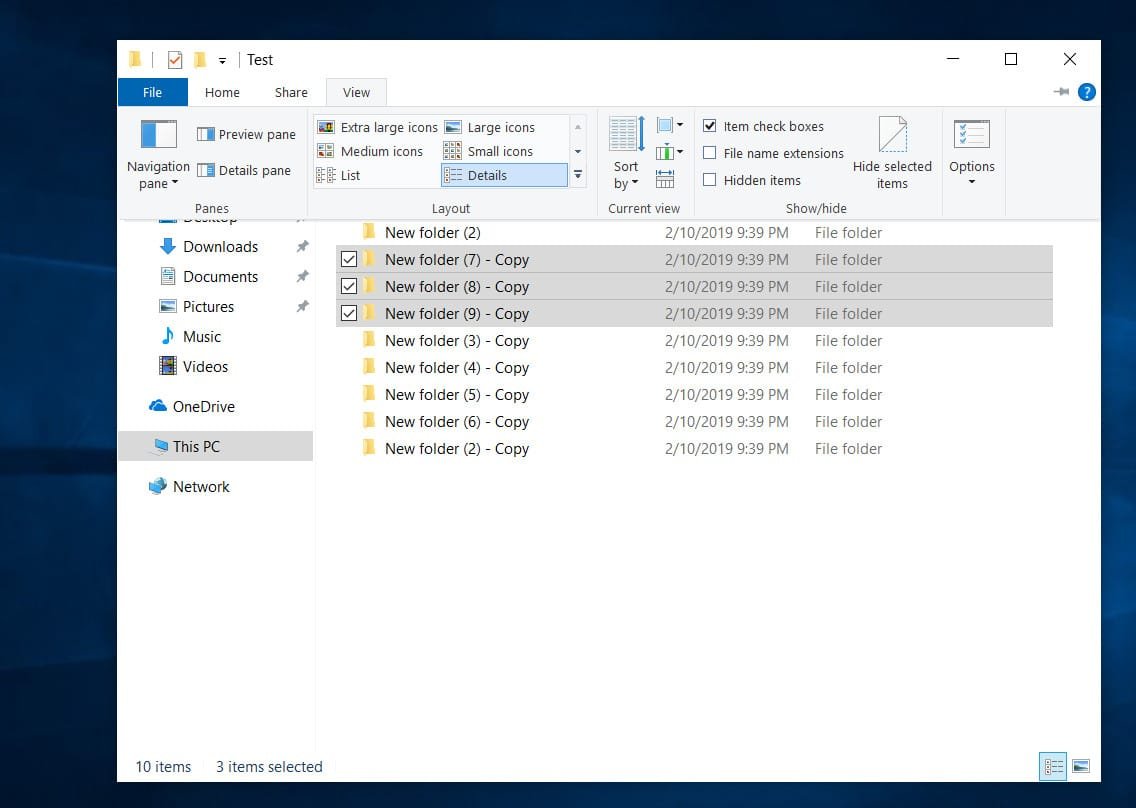
How to select files and folders with checkmarks in windows 10 explorer
Windows Explorer is an integral part of users. All the time we copy, cut, paste information in different places of…
Read More » -
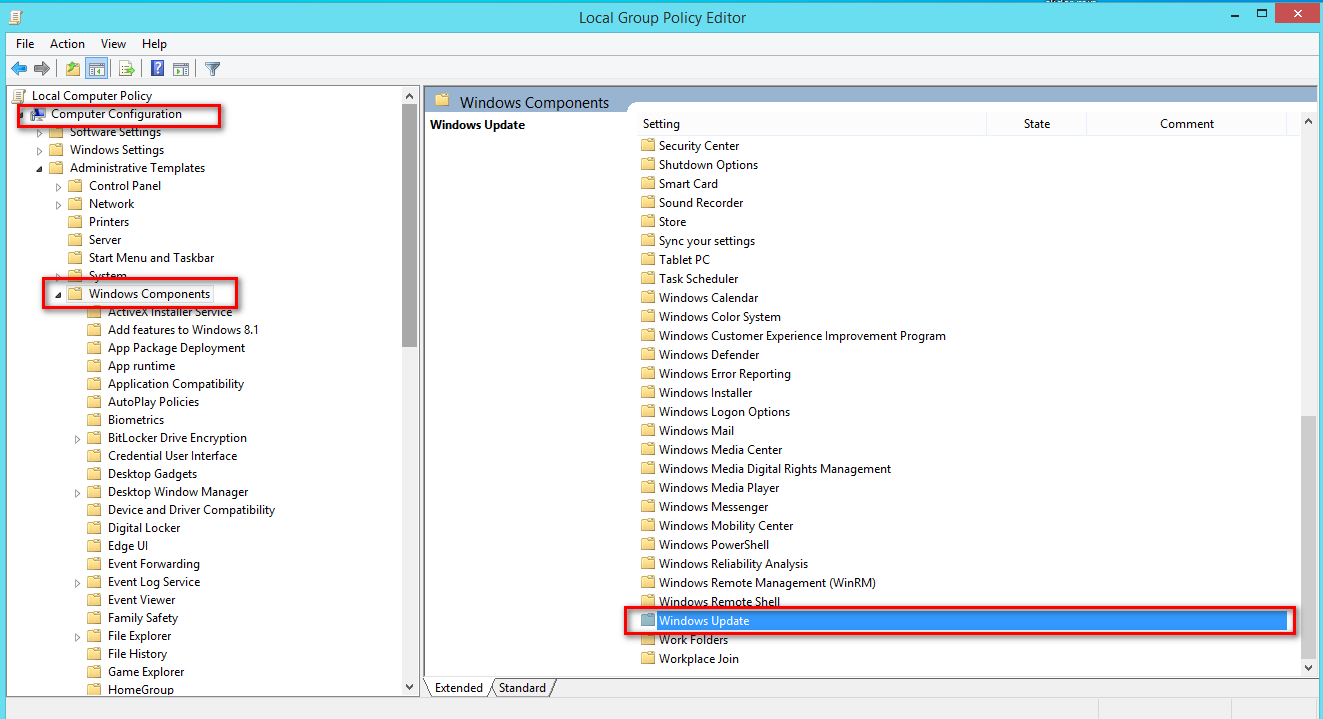
How to disable automatic restart after installing updates in Windows
In Windows, after installing updates downloaded through Windows Update, the system automatically restarts in order for all changes to take…
Read More » -

How to disable pop up push-notification sites in browsers
Recently, I began to notice that an increasing number of sites are trying to use browser push notifications to alert…
Read More » -
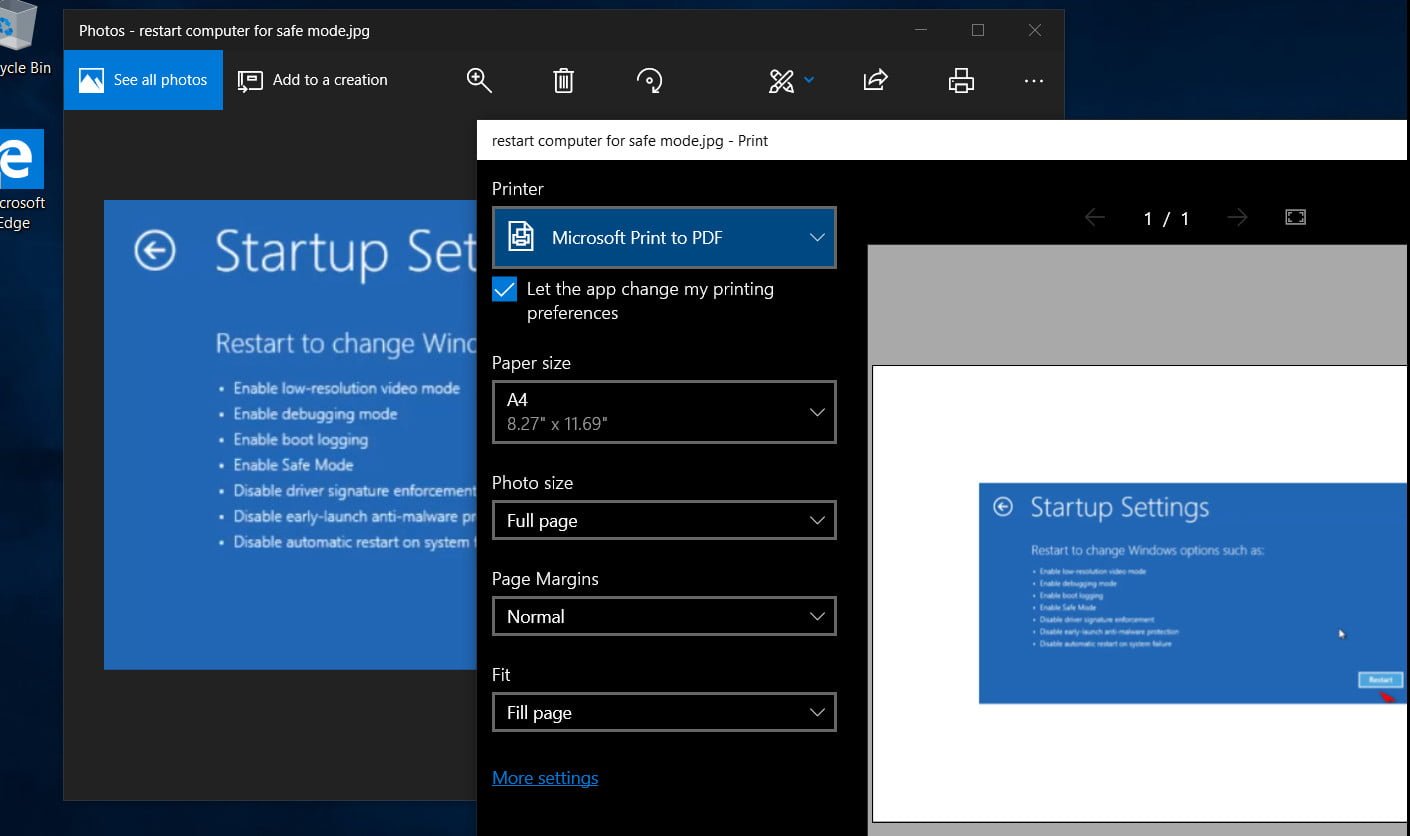
How to convert JPG and PNG images to PDF in Windows 10
Many of us have come across a situation when we need to convert images into another format. In Windows…
Read More » -
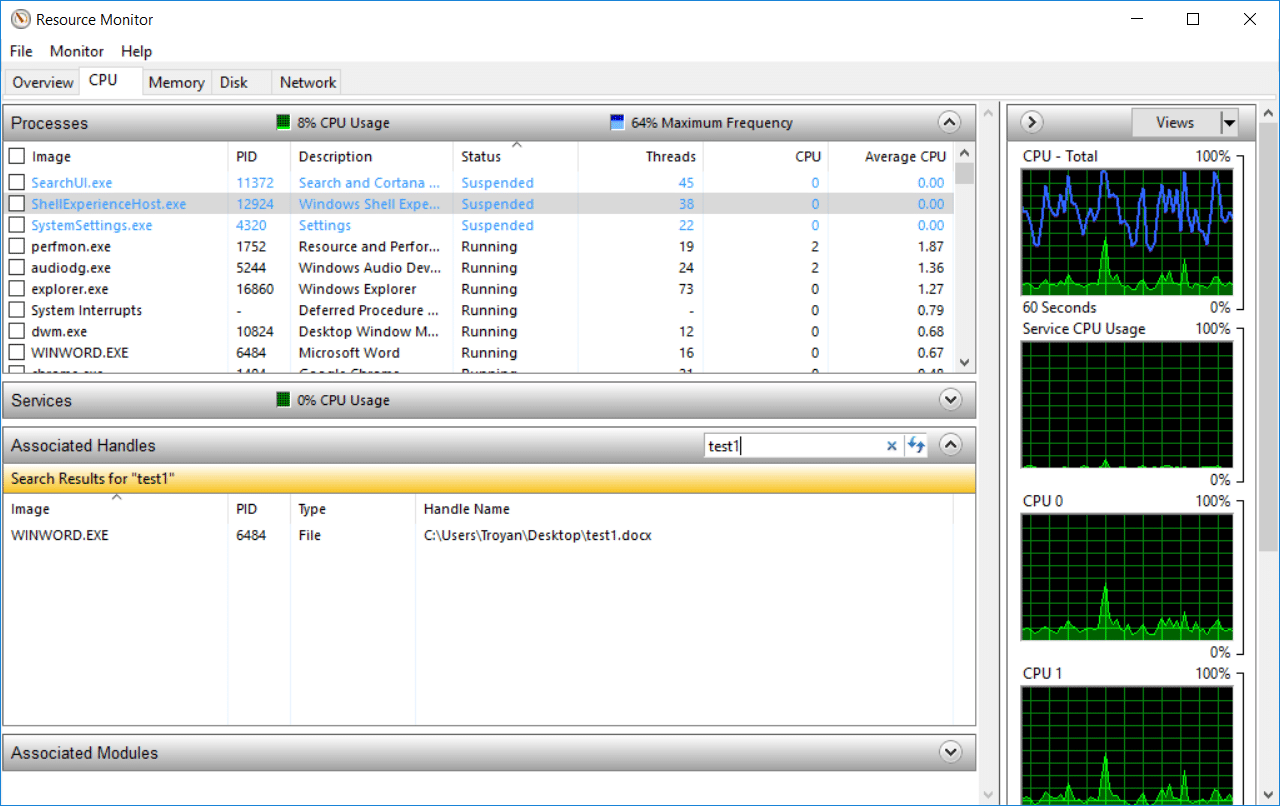
How to Use Resource Monitor to Find Which Process Has Locked a File
Many experienced users use the Process Explorer utility from SysInternals to obtain extended information about the processes and applications running…
Read More »