Windows 10
In this category you will find lessons about Windows 10
-
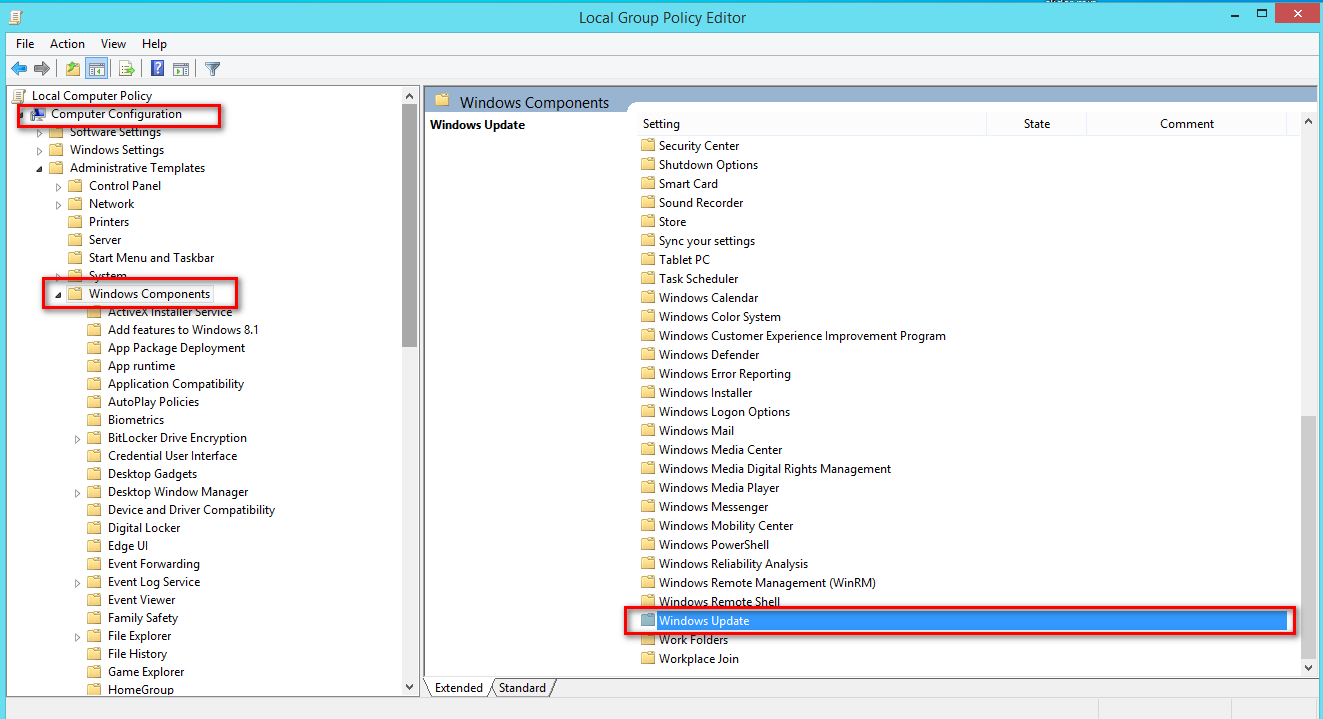
How to disable automatic restart after installing updates in Windows
In Windows, after installing updates downloaded through Windows Update, the system automatically restarts in order for all changes to take…
Read More » -
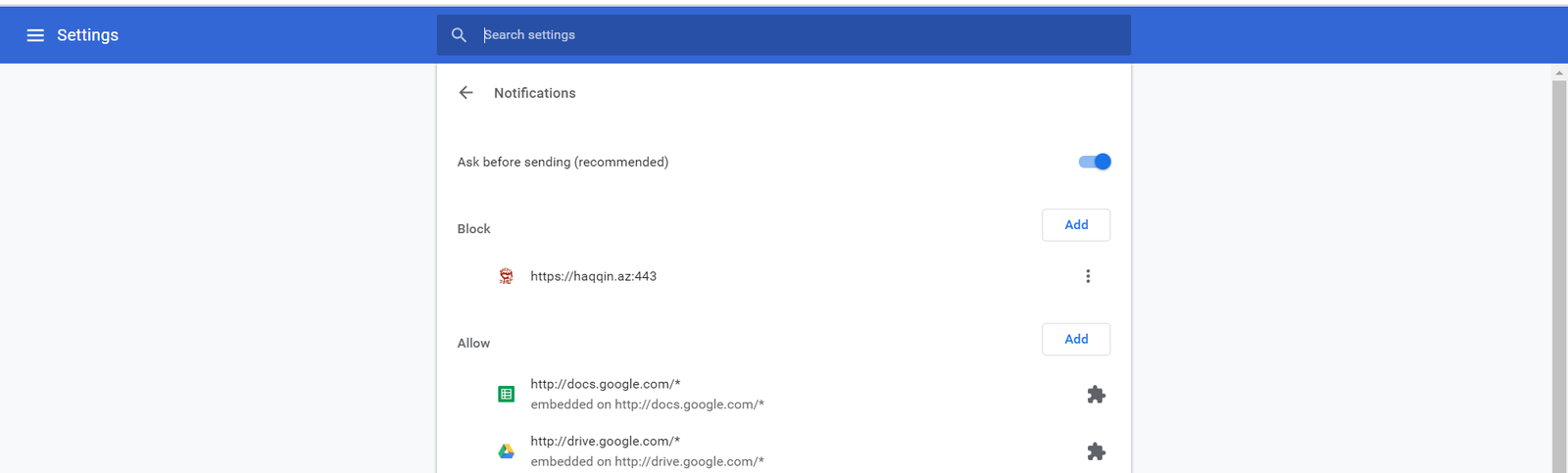
How to disable pop up push-notification sites in browsers
Recently, I began to notice that an increasing number of sites are trying to use browser push notifications to alert…
Read More » -
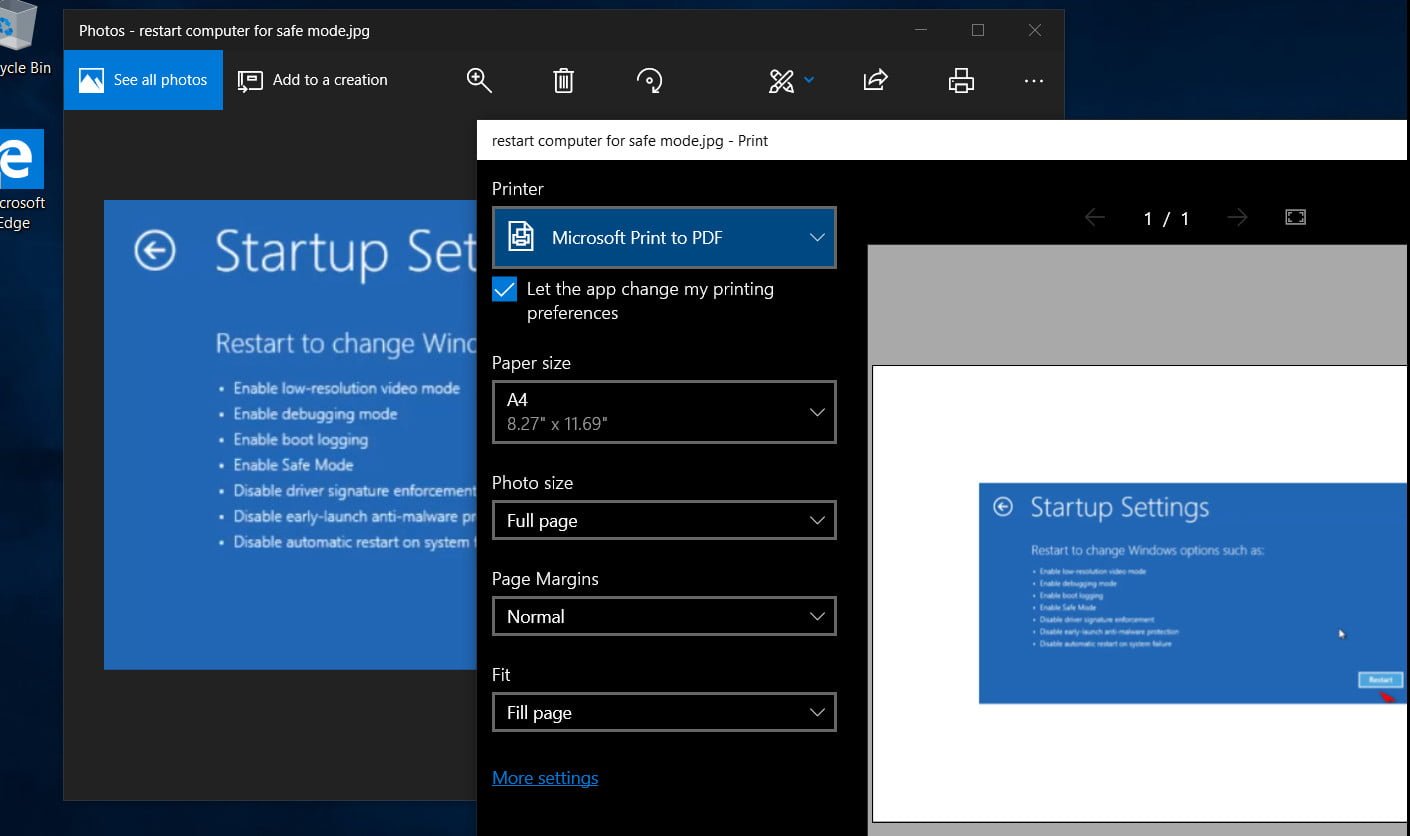
How to convert JPG and PNG images to PDF in Windows 10
Many of us have come across a situation when we need to convert images into another format. In Windows…
Read More » -
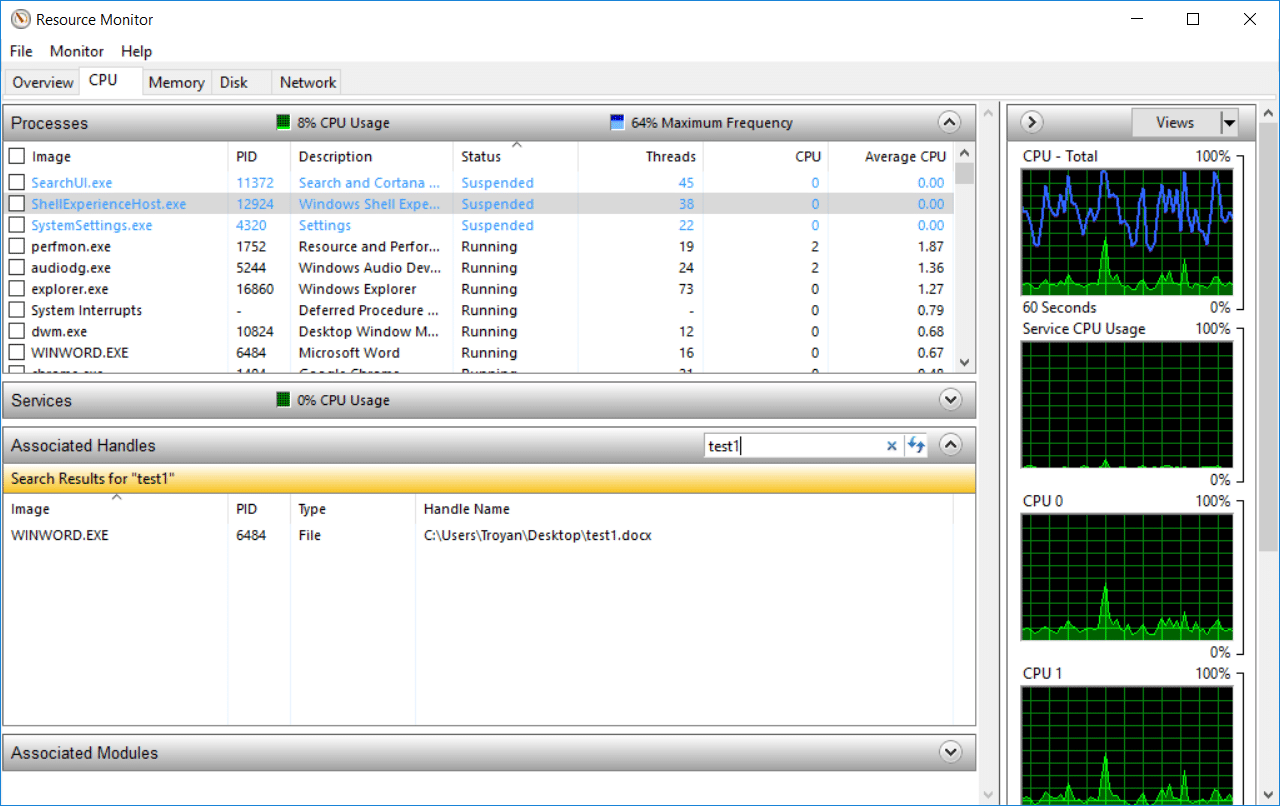
How to Use Resource Monitor to Find Which Process Has Locked a File
Many experienced users use the Process Explorer utility from SysInternals to obtain extended information about the processes and applications running…
Read More » -
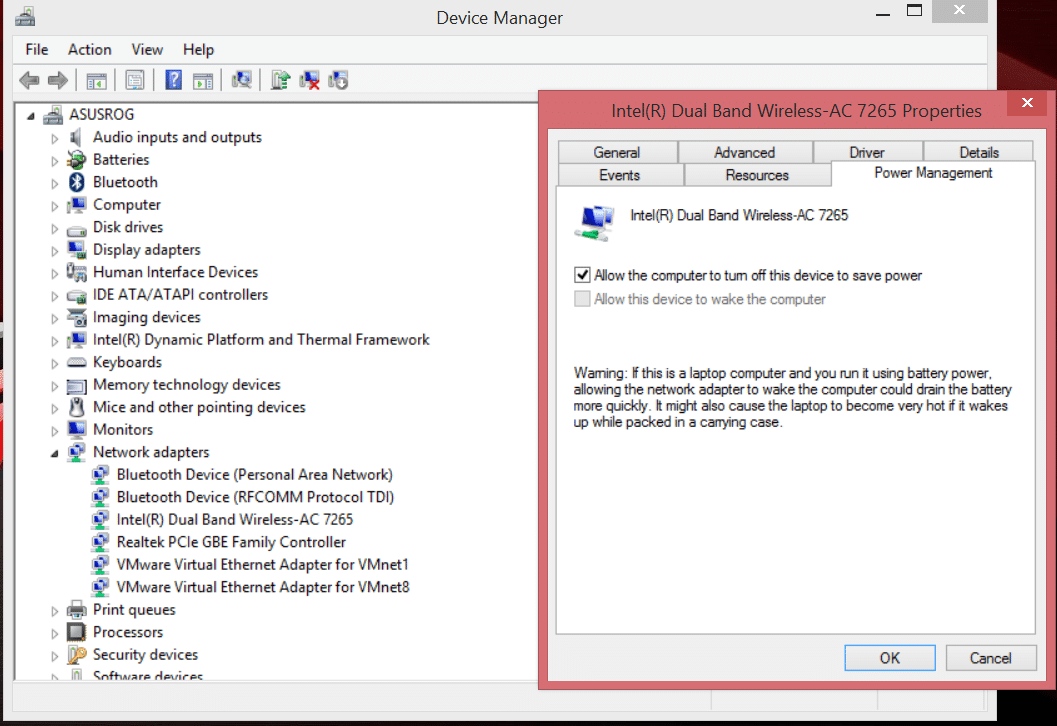
Wi-Fi network disappears in Windows 10 after getting out of sleep or hibernation
On a new Lenovo laptop with Windows 10, I noticed a strange glitch: after getting out of sleep mode, it…
Read More » -
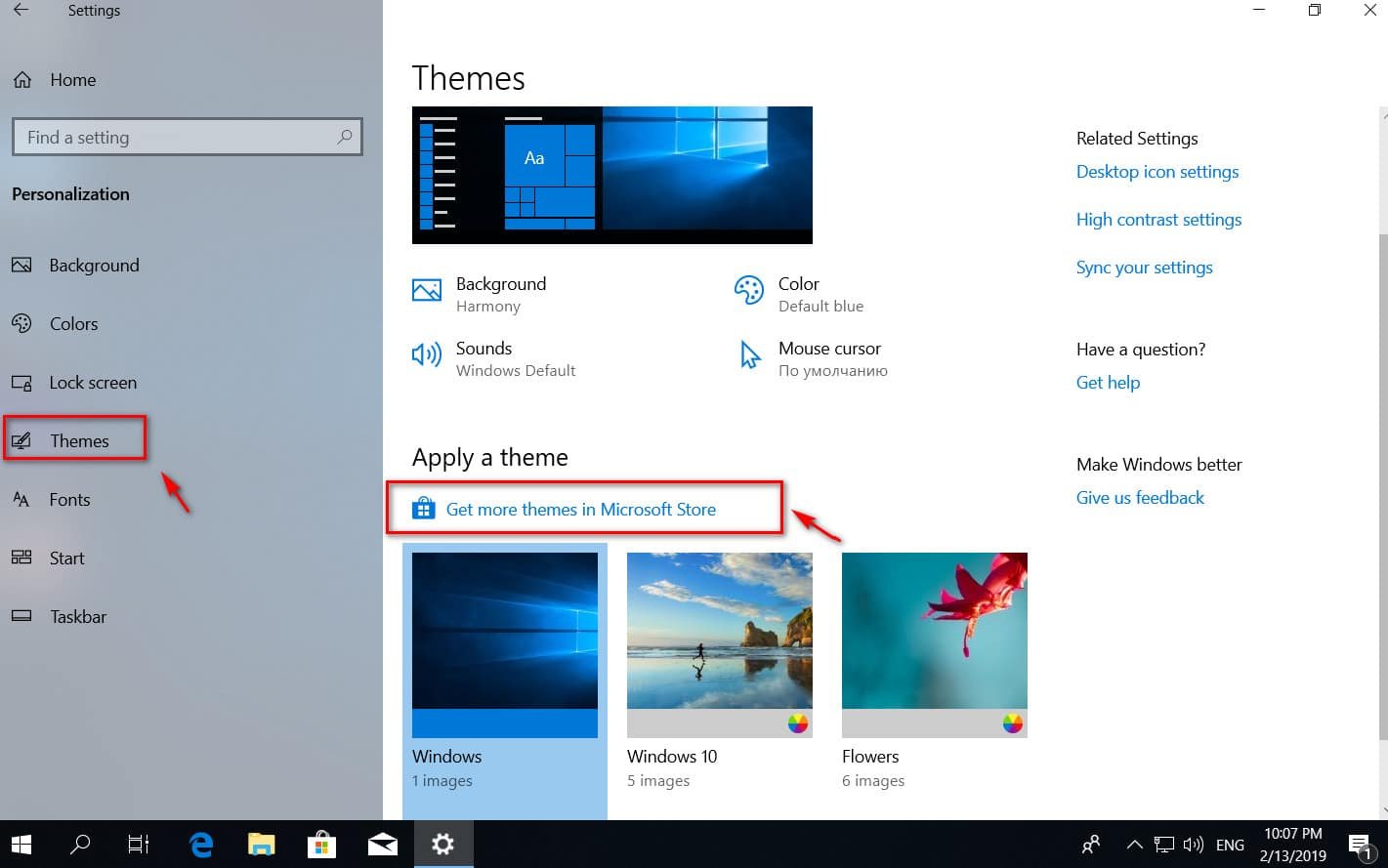
How to install the theme in windows 10 from the store
If you want to install the theme in windows 10 from the store, then you just need to download them…
Read More » -
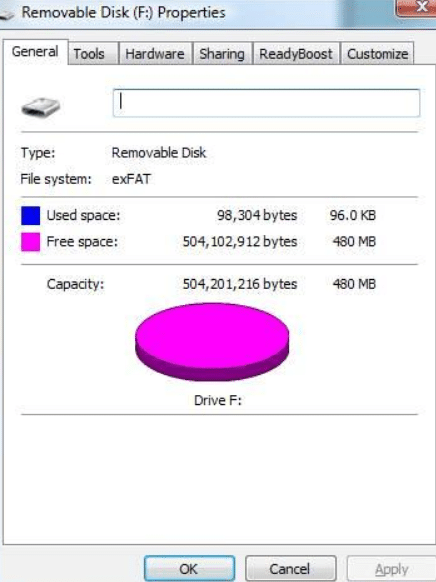
How to format a USB flash drive using extended FAT (ExFAT)
Extended FAT (ExFAT) is a new file system supported by Windows Vista and Windows Server 2008. ExFAT is designed mainly…
Read More » -
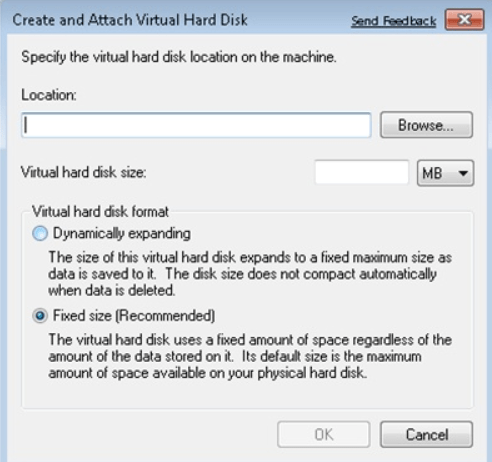
How to Create A Virtual Hard Disk in Windows 7,8,10
One of the great things about virtualization in Microsoft Windows 7 is support for VHD technology, or Virtual Hard Disk.…
Read More » -

How to fix ERR_TUNNEL_FAILED Error in Chrome
The ERR_TUNNEL_CONNECTION_FAILED error may occur to anyone who is browsing the Internet. Some of the known causes of this error…
Read More » -
How to enable touch explorer UWP File Explorer in Windows 10
Since the release of windows 10, more than a year and a half has passed. Microsoft is making a bias…
Read More »