All Lessons
All IT Lessons in one category
-
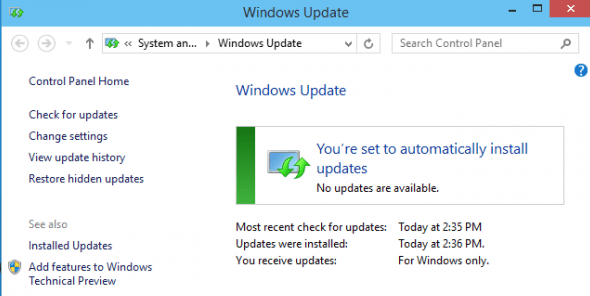
How To Run Windows Update From CMD
You did not know that you can install and manage updates for Windows from the command line? Then read this…
Read More » -
How to clear dns cache in windows
When visiting a new website, Windows tries to speed up the process of subsequent access to it by placing the…
Read More » -
What is Ports used by SCCM Remote Tools
Ports used by SCCM In our organization, System Center Configuration Manager is used to distribute software, but now we have…
Read More » -
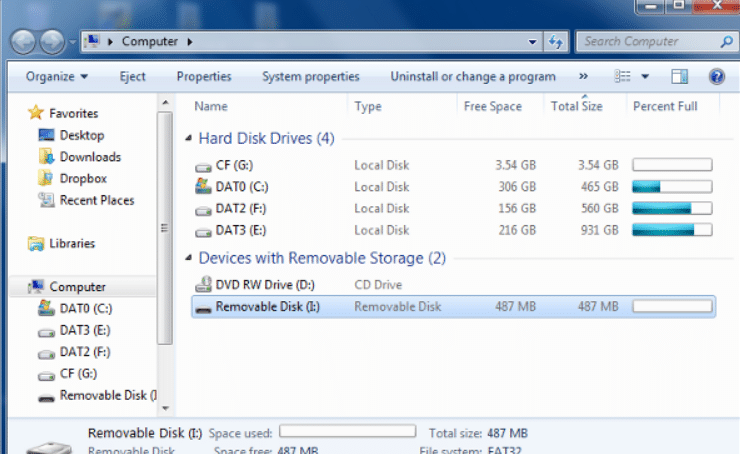
How to fix Windows Was Unable To Complete The Format error easily
If you try to format a hard disk or a flash drive, you see an error message: “Windows Unable To…
Read More » -
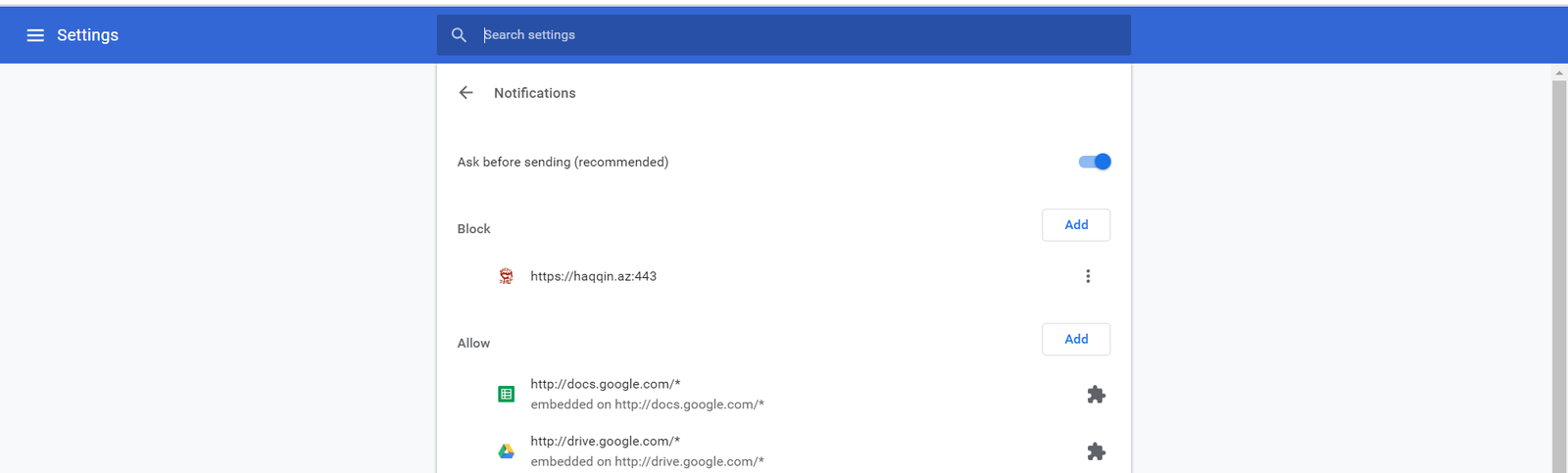
How to disable pop up push-notification sites in browsers
Recently, I began to notice that an increasing number of sites are trying to use browser push notifications to alert…
Read More » -
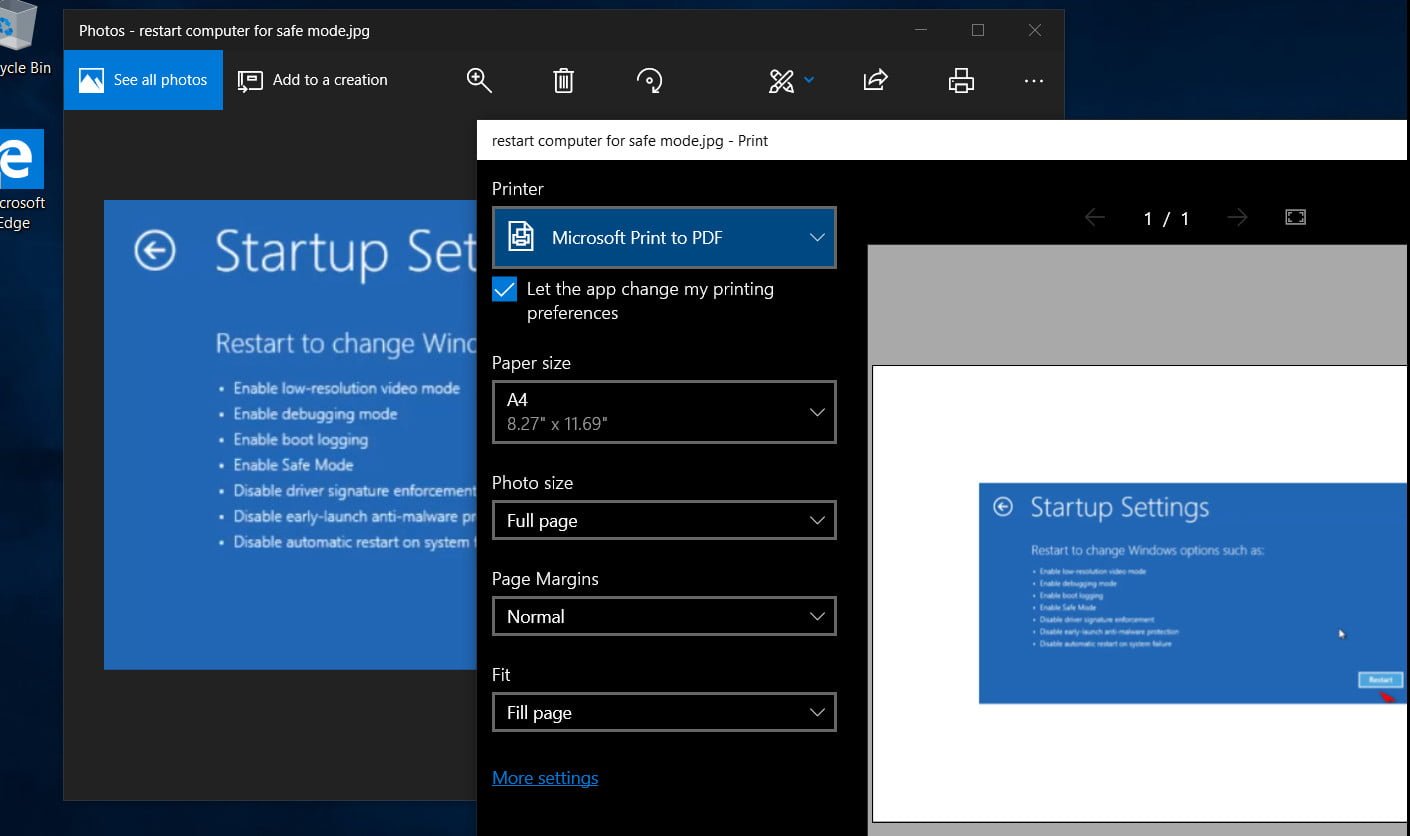
How to convert JPG and PNG images to PDF in Windows 10
Many of us have come across a situation when we need to convert images into another format. In Windows…
Read More » -
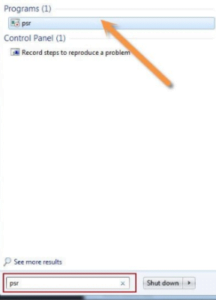
How to use Problem Step Recorder
Problem Step Recorder is one of the most useful new products in Windows 7,8,10 for those who are engaged in…
Read More » -
How to hide or display a computer in a networked environment
How to hide or display a personal computer in a networked environment If you want to keep the ability to…
Read More » -
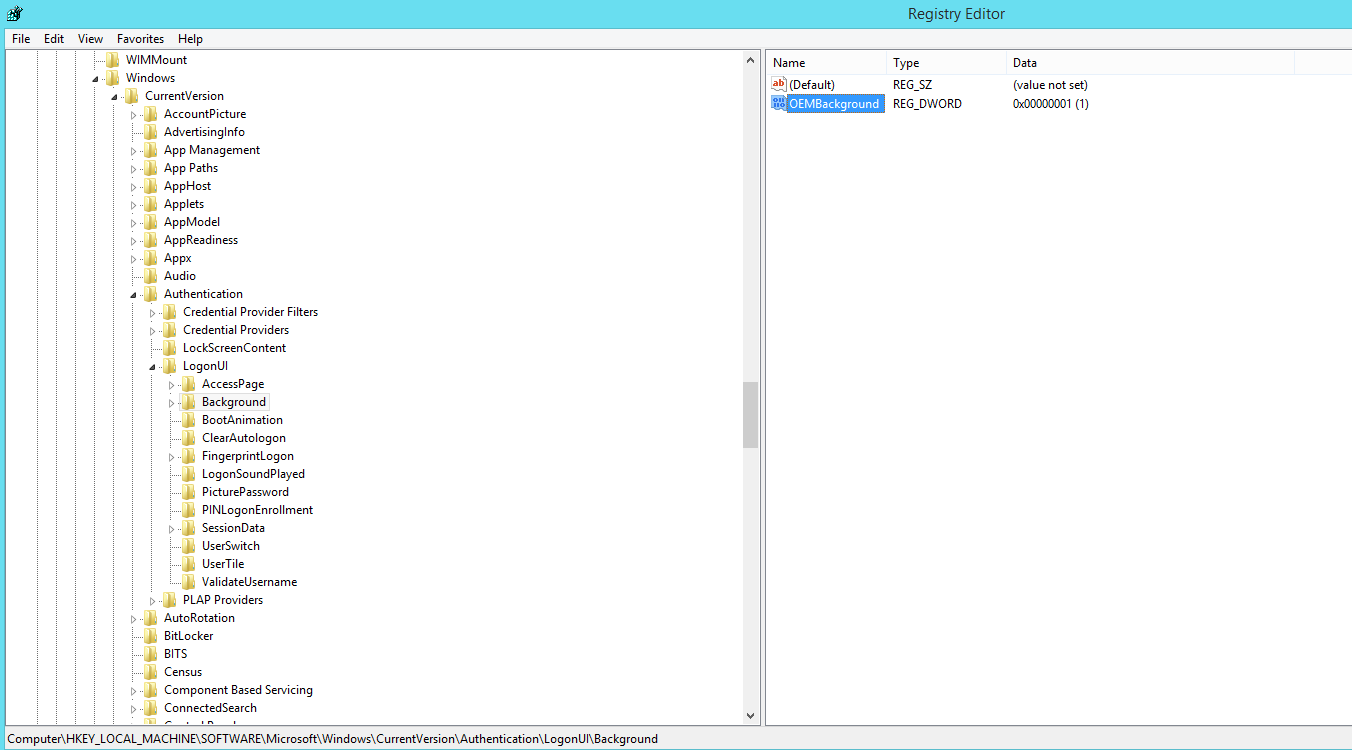
How to change the background of the startup screen in Windows 7
In Windows 7, as in other Microsoft operating systems, it is possible to change the background of the start screen.…
Read More » -
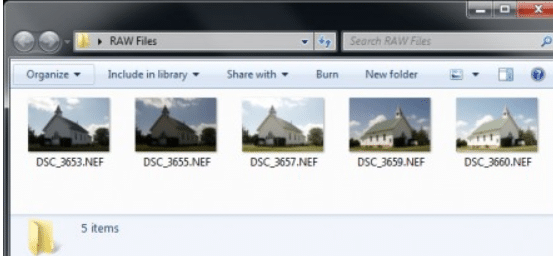
How to View RAW in Windows 7 easily
Many happy owners of SLR cameras prefer to shoot not in the compressed JPEG format, but in the RAW format.…
Read More »