All Lessons
All IT Lessons in one category
-
How to reset all permissions in the registry
Some time ago I ran into a problem in which, being a local administrator on a machine, I could not…
Read More » -
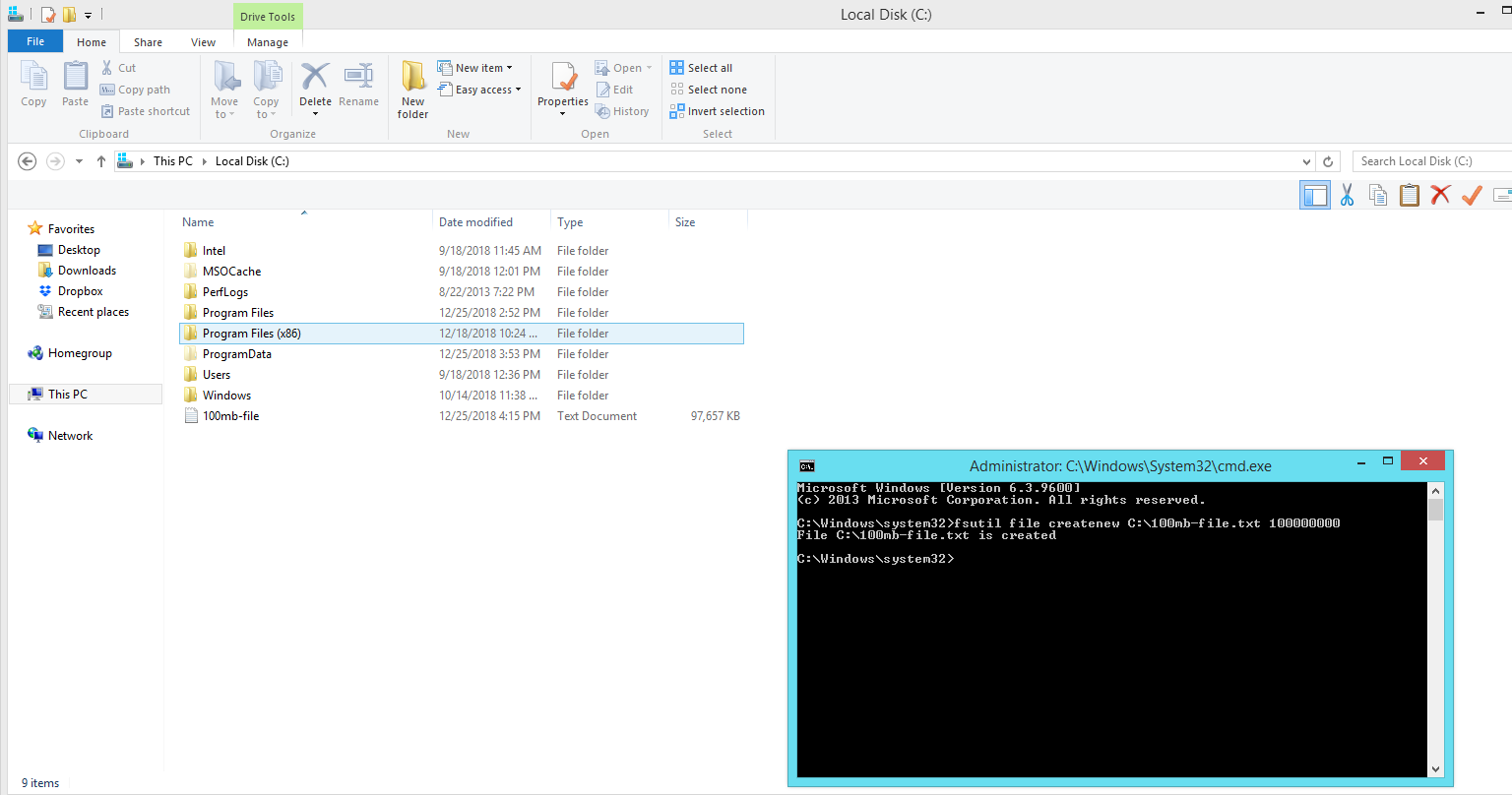
How to create a file of a certain size easily
In everyday work, for one reason or another, the system administrator has to periodically create files of a certain size.…
Read More » -
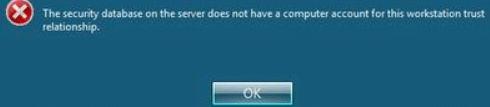
How to fix the security database on the server does not have a computer account for this workstation trust relationship easily
How to fix The security database on the server does not have a computer account for this workstation trust relationship…
Read More » -
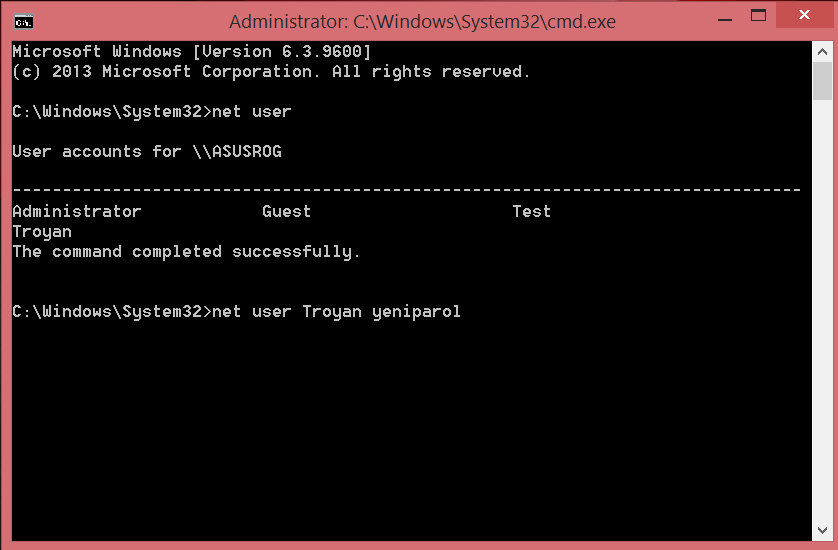
Change user password in Windows via command line
Password change is easy in Windows. You can go through several options menu to change the password for your account.…
Read More » -
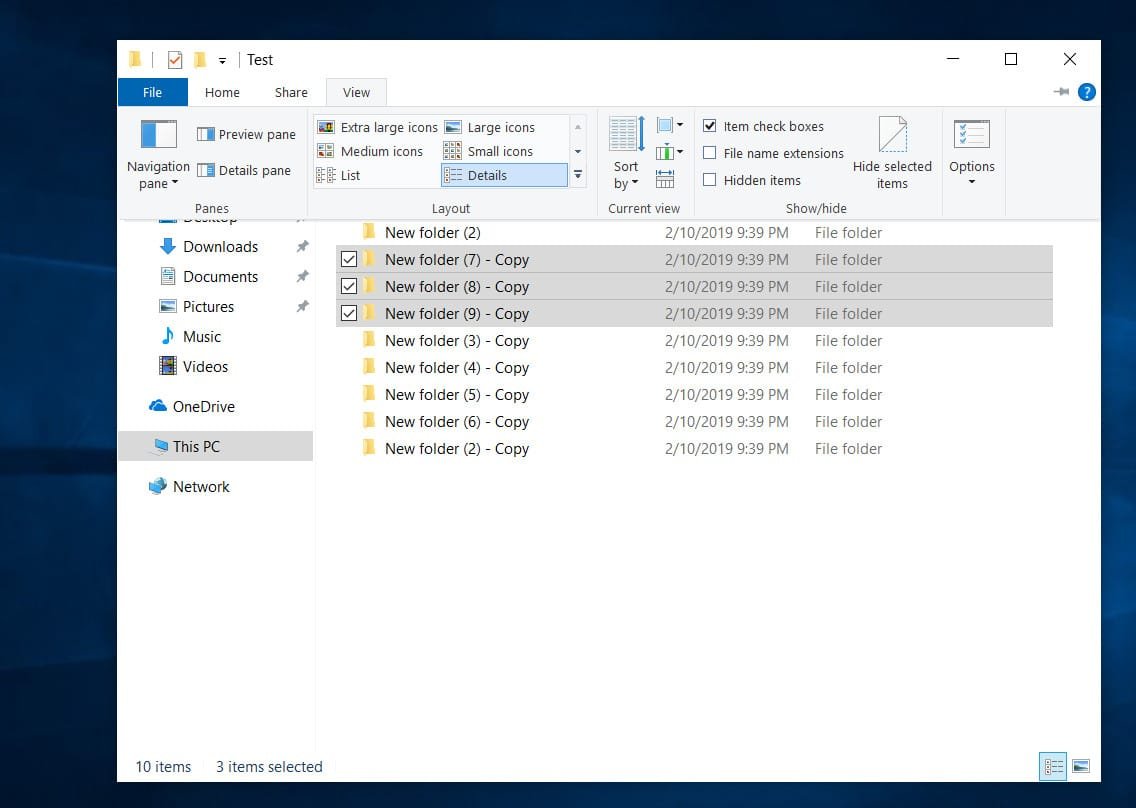
How to select files and folders with checkmarks in windows 10 explorer
Windows Explorer is an integral part of users. All the time we copy, cut, paste information in different places of…
Read More » -

How to fix CSR8510 A10 Bluetooth Driver Error on Windows 10 easily
Widnows 10 may lose the ability to connect via CSR Bluetooth, which is usually intended as a radio receiver and…
Read More » -

What is Google Crash Handler in Windows 10 ?
Google Crash Handler – What is this process in Windows 10? The Google Crash Handler is a Google process that…
Read More » -

Where are drivers stored in windows 10
Windows 10 stores a large number of necessary drivers for devices such as printers, sound cards, network adapters, etc. so…
Read More » -

How to fix 0x8007001f – 0x20006 error when updating Windows 10 easily
When you try to update Windows 10 through a utility from Microsoft, error 0x8007001f – 0x20006 may appear. The error…
Read More » -

CPU Fan Error while Booting PC or Laptop – How to Fix?
The BIOS may give you a “CPU Fan Error! Press F1 to run SETUP” when booting a Windows 10 computer…
Read More »