Windows 10
In this category you will find lessons about Windows 10
-
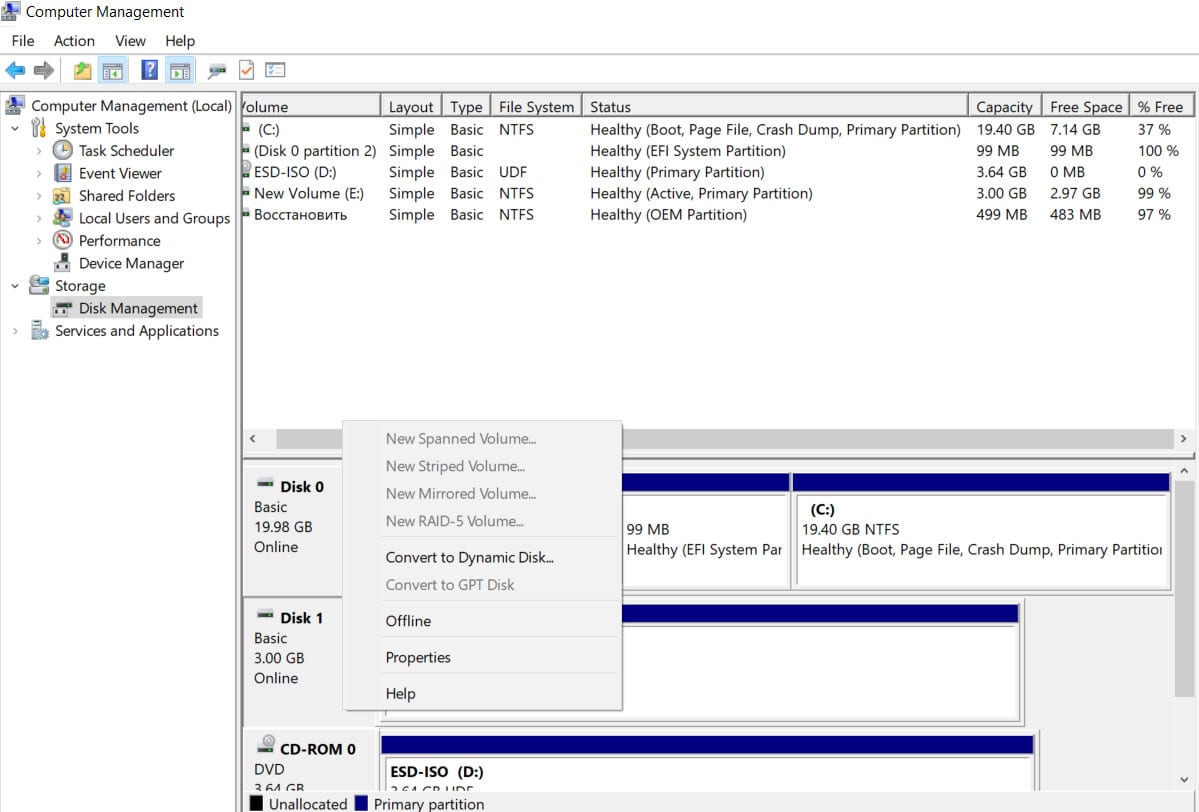
How to convert MBR to GPT without data loss in Windows
The partition table describes the disk partitions and helps your system find the files you need. Your Windows system uses…
Read More » -
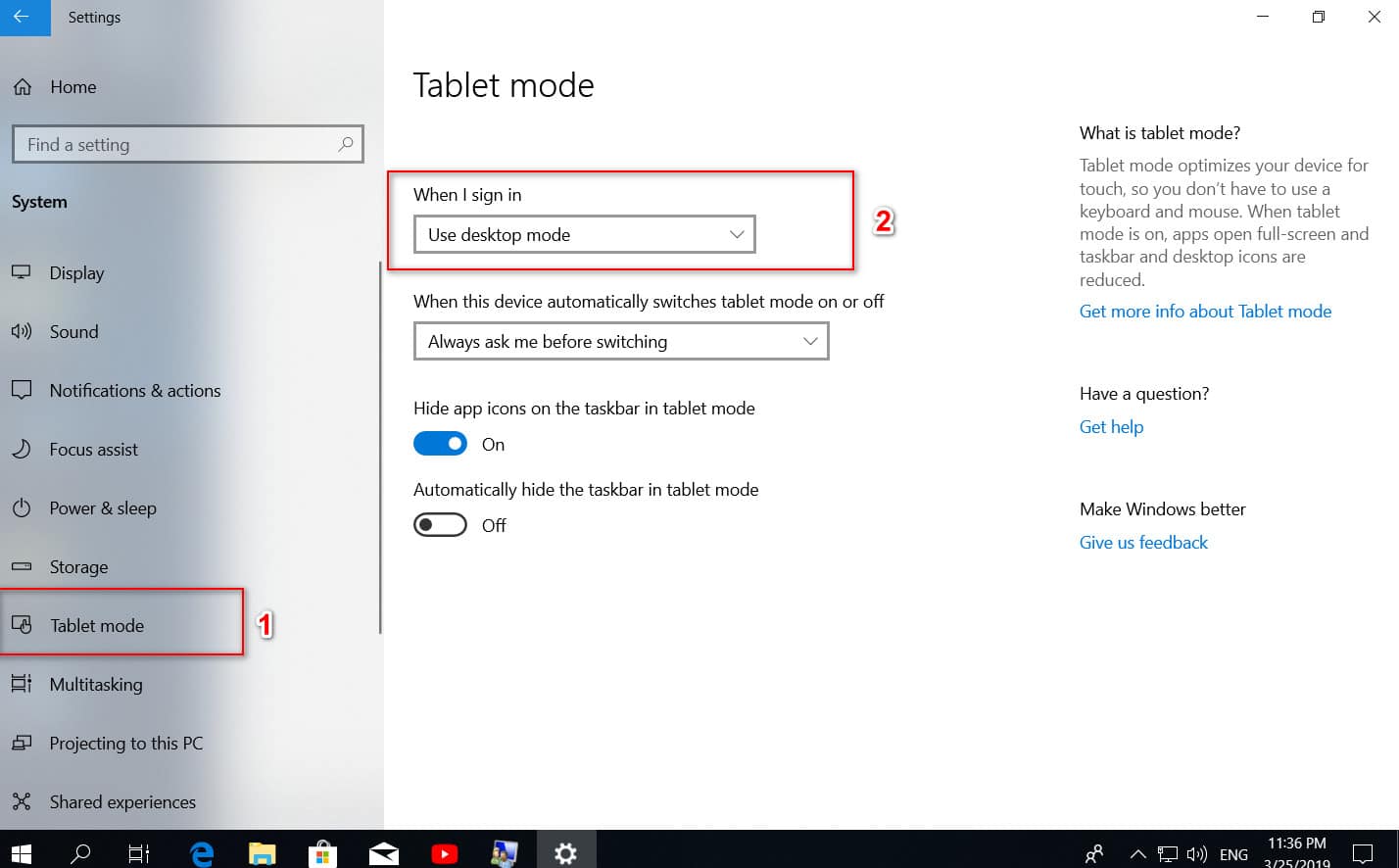
The right mouse button on the Windows 10 desktop does not work
Right-clicking on the desktop gives you a context menu with quick access to personalization settings, desktop icon settings and display…
Read More » -
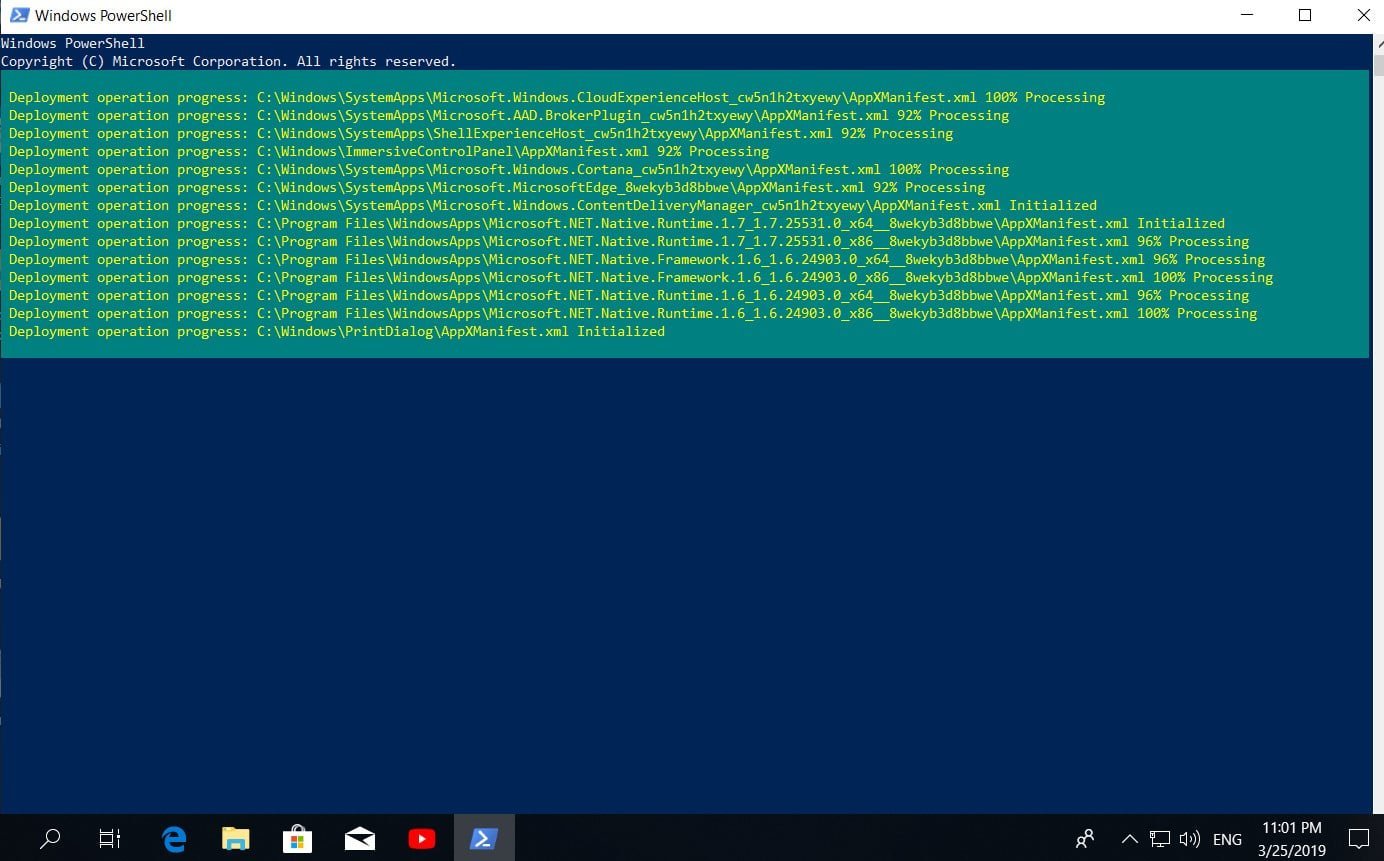
How to fix not working settings problem in Windows 10
Button and function settings, available through the Start menu or through the notification panel in Windows 10, an important component…
Read More » -
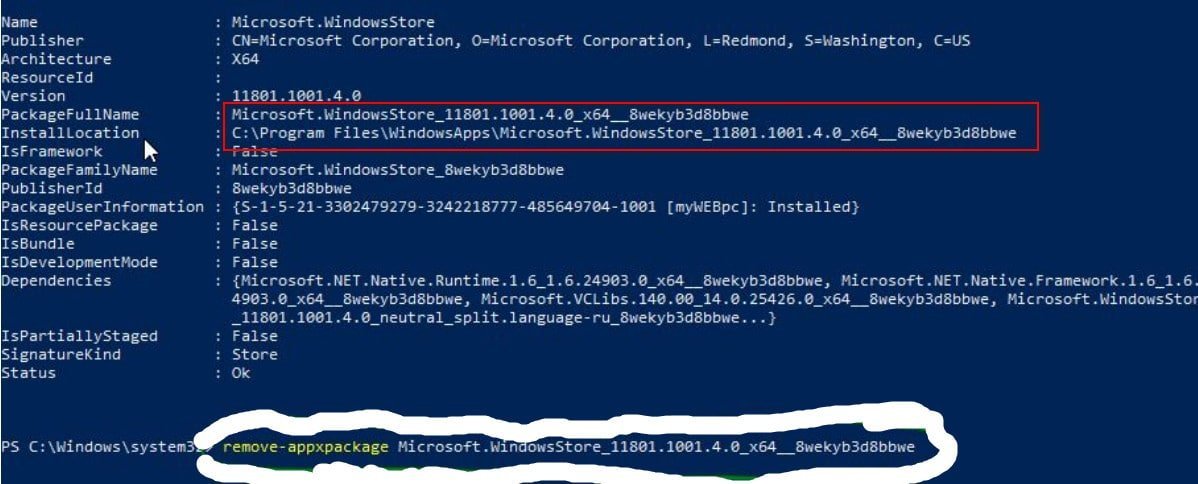
Microsoft store not working in windows 10
What to do if Microsoft Store does not work in Windows 10 As it became noticeable from reviews in various…
Read More » -
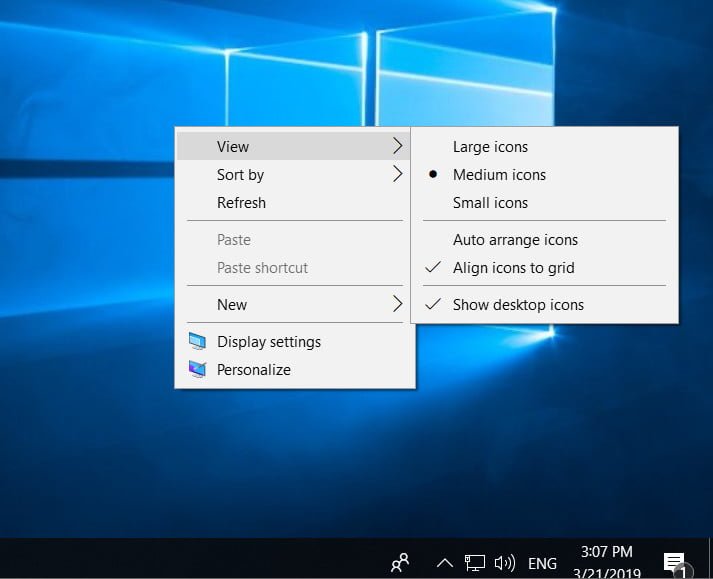
Missing shortcuts from the Windows 10 desktop
Desktop Icons Disappeared on Windows 10 Displaying or hiding icons on the desktop is quite simple in Windows 10. You…
Read More » -
Disable or Enable OneDrive photos show in Photos
If you are reading this article, you have probably seen the images saved in your OneDrive account in the Photos…
Read More » -
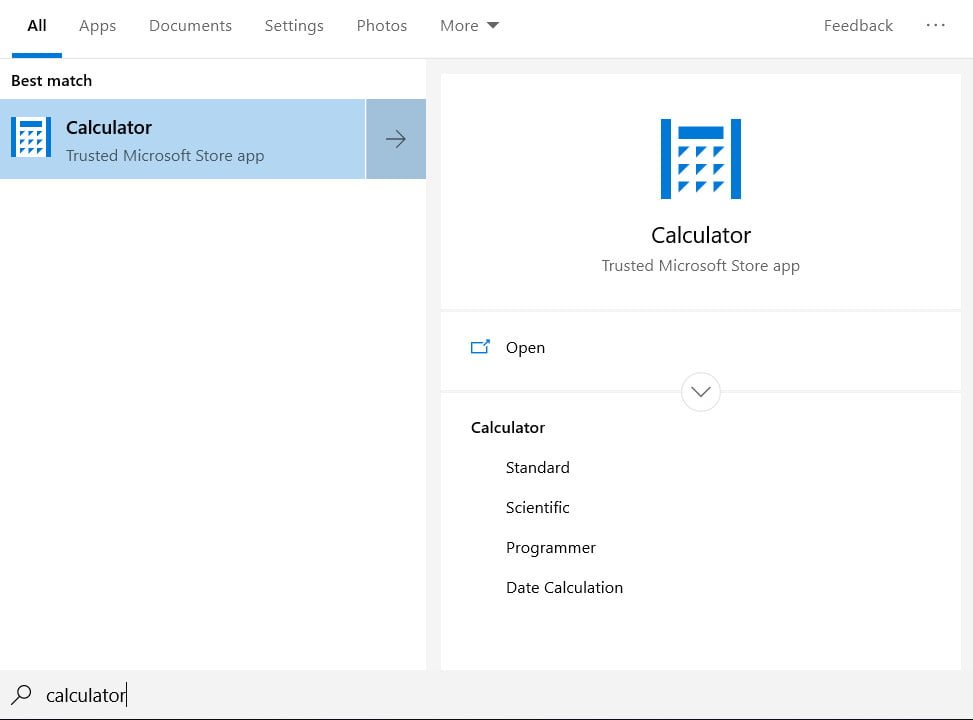
Hidden currency converter in Windows 10
If you need a currency converter today, you have many options to choose from. For example, Google or Yandex can…
Read More » -
How to fix Failed to initialize the device driver (Code 37) error.
In Windows 10/8/7 Device Manager, if you see an error message, Windows cannot initialize the device driver for this hardware…
Read More » -
The best Android emulator on PC for Windows 10
Best Android emulator on PC for Windows 10 You heard about Android phones, but did you know that you can…
Read More » -
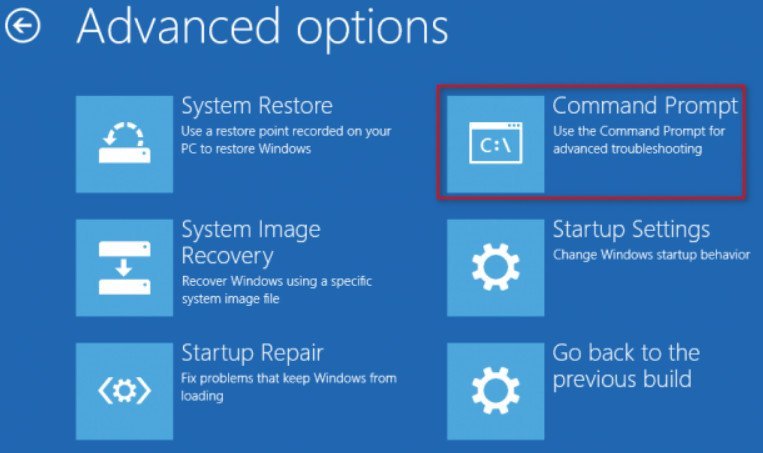
A disk read error occurred. Press Ctrl + Alt + Del to restart What to do?
A disk read error occurred. Press Ctrl + Alt + Del to restart What to do? If you frequently get…
Read More »