Windows
In this category you will find lessons about Windows operation system.
-
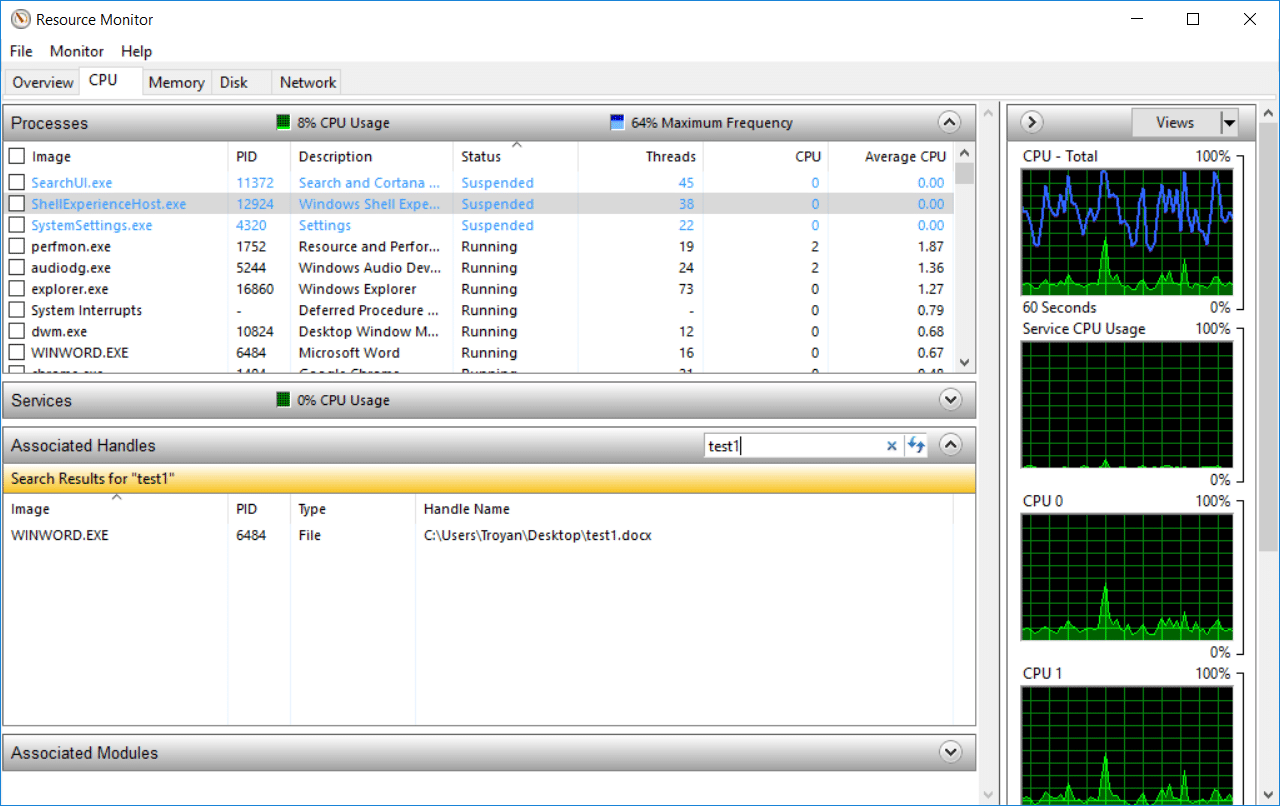
How to Use Resource Monitor to Find Which Process Has Locked a File
Many experienced users use the Process Explorer utility from SysInternals to obtain extended information about the processes and applications running…
Read More » -
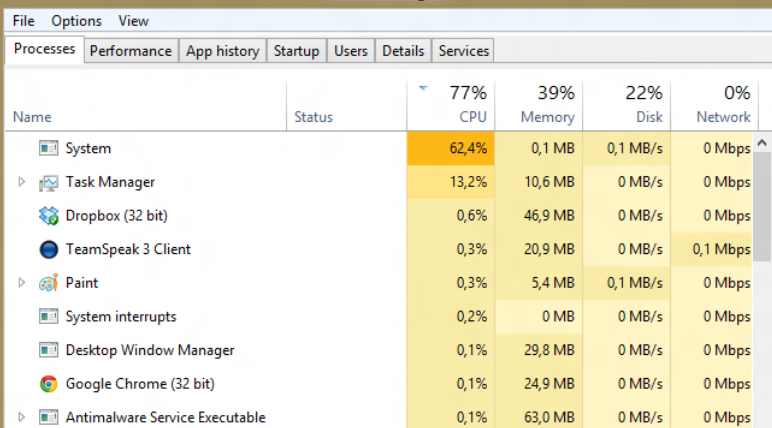
High CPU utilization by the System process (Ntoskrnl.exe) in Windows
On one of their computers with the newly installed Windows 10, the user began to complain about the constant hangs…
Read More » -
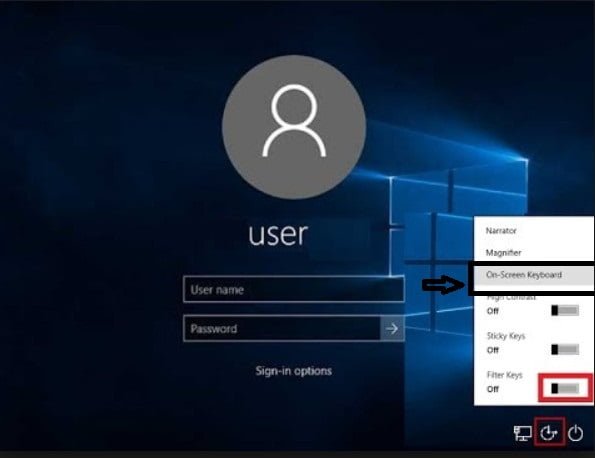
The keyboard does not work on the windows 10 lock screen
Many probably have encountered a very serious problem, when the keyboard does not work when entering a password on the…
Read More » -
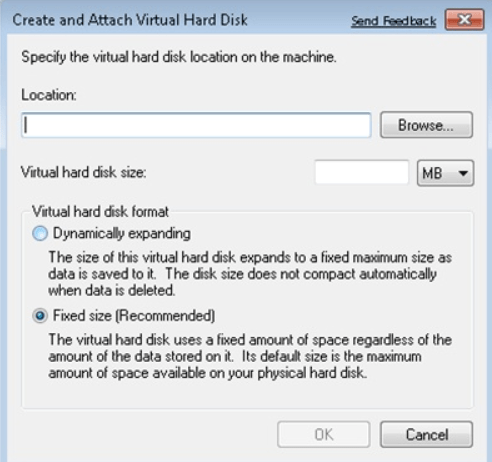
How to Create A Virtual Hard Disk in Windows 7,8,10
One of the great things about virtualization in Microsoft Windows 7 is support for VHD technology, or Virtual Hard Disk.…
Read More » -
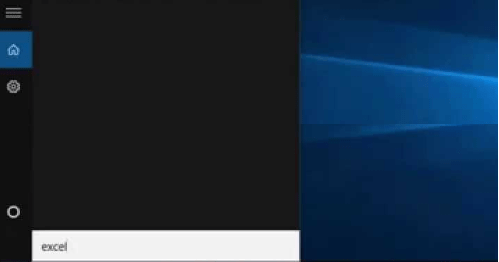
How to fix search not working in Windows 10 easily
The search function in Windows 10 has to be used much more often than in previous versions of the OS:…
Read More » -
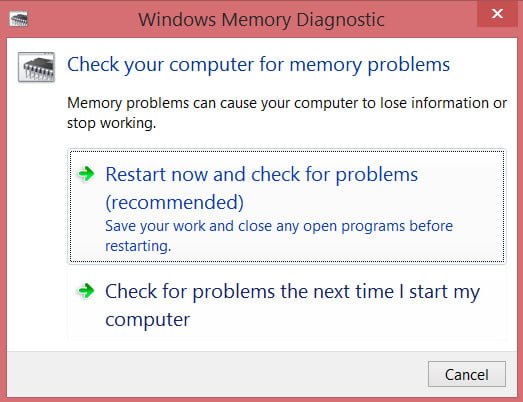
How to check the RAM for errors in Windows
If we can find out on the computer that the hard disk needs to be defragmented, then we will not…
Read More » -
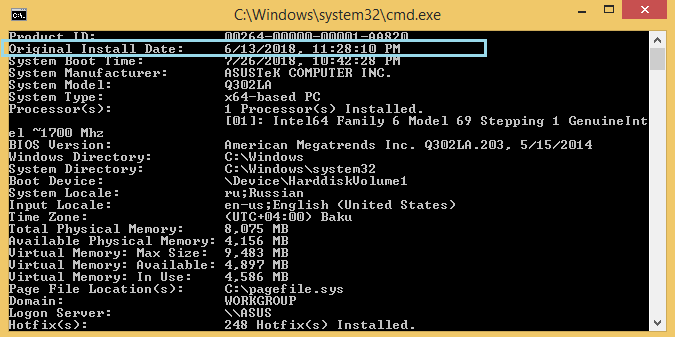
How to check OS Installation Date in Windows
How to check OS Installation Date If you want to check OS Installation Date in Windows you can make like…
Read More » -
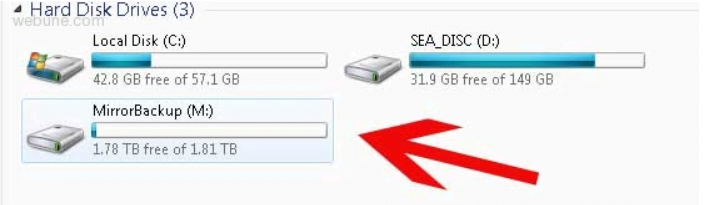
How to create software RAID in Windows
In this article I will try to tell in detail about the procedure for creating software RAID in Windows 7.…
Read More » -
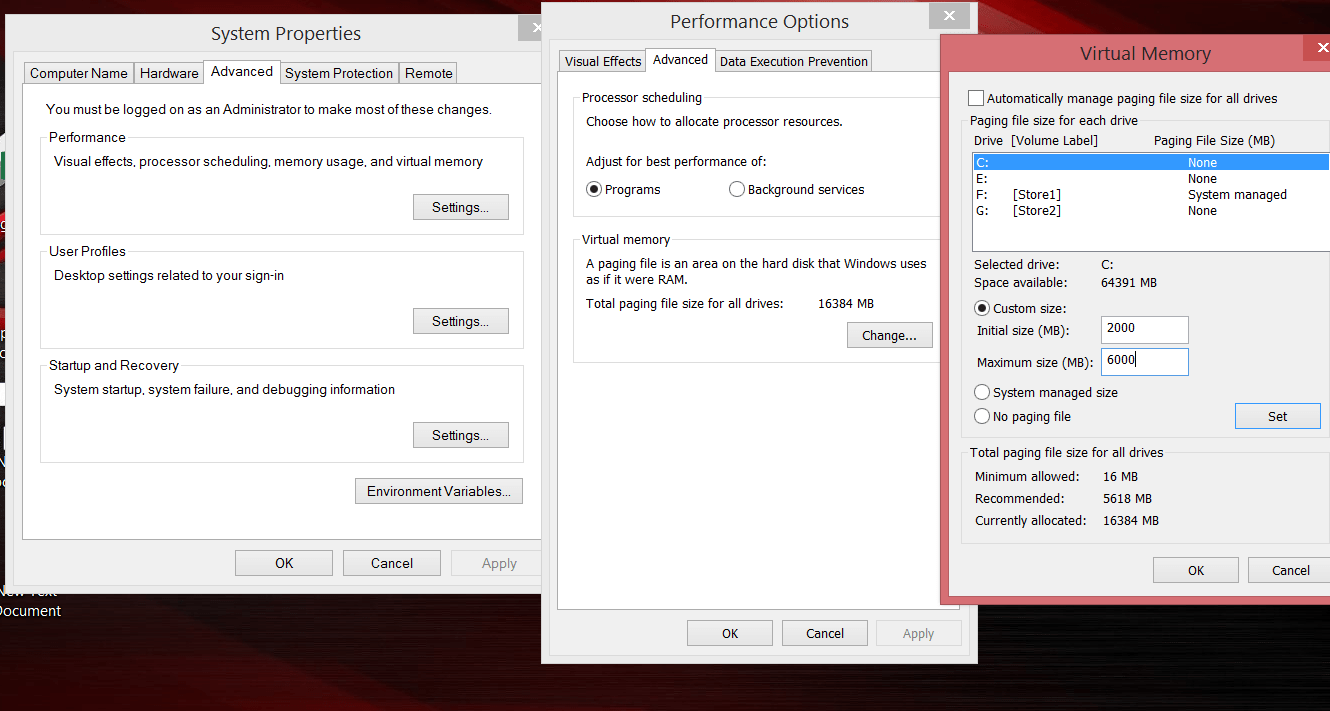
How to fix there is not enough memory on a computer with Windows 10
When working with heavy programs, many users of Windows 10, periodically encounter an emerging system message about the lack of…
Read More » -
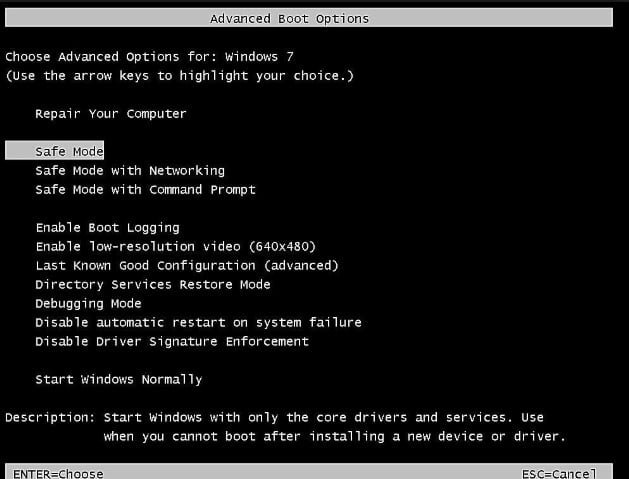
How to enter the safe mode of Windows 7
Windows 7 starts when you press F8. As soon as you turn on or restart your computer, press the F8…
Read More »